
For UK players looking into the WG Casino Android app, the first step is to verify that the service is available to them and that its terms fit their needs. A login page or downloadable app does not, by itself, confirm that a casino is licensed to serve customers in Great Britain. Check the operator’s legal name and licence details with the UK Gambling Commission (UKGC) before registering, depositing or installing software.
This guide explains how to approach WG Casino login on Android, what to check before using an app, and how to assess its games and account features. Availability, app versions, payment options and promotional terms can change, so confirm current information directly with the operator rather than relying on old links or third-party claims.
Before you download WG Casino for Android
Start with the casino’s official website and look for its legal and responsible-gambling information. UKGC-licensed operators must follow rules designed to protect customers, including identity checks, safer-gambling measures and clear terms. Search the UKGC public register for the operator’s exact legal entity; a brand name alone may not be enough to identify the licence holder.
Be cautious if a website advertises an “APK” through an unfamiliar file-sharing page, promises guaranteed wins, or asks you to disable Android security settings. A legitimate app should be linked by the operator through a verifiable official channel. If the casino has no confirmed app for your region, using its mobile website may be safer than installing a file from an unverified source.
Quick checks for UK players
- Confirm the operator’s legal name and UKGC licence status.
- Use only a download link supplied by the verified operator or a recognised app store listing.
- Read the privacy notice, bonus terms, withdrawal rules and account restrictions.
- Check whether the service accepts customers located in the UK and whether any location restrictions apply.
- Never share your password, one-time code or banking login with support staff or another player.
WG Casino login on an Android phone
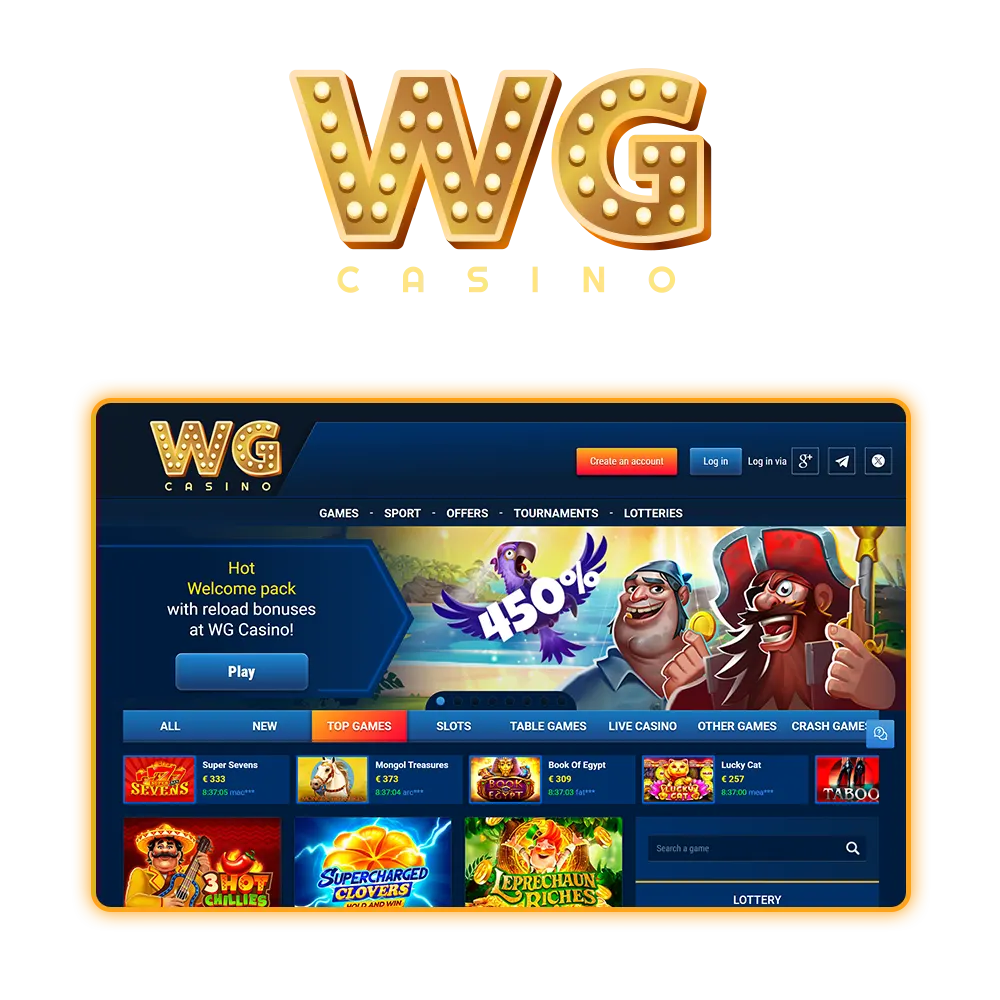
If the casino is available to you and you have obtained its app through a trusted source, open it and select the sign-in option. Enter the email address or username and password linked to your account. Some operators also require an additional verification step, such as a code sent by text or email. Use a unique password and avoid logging in over public Wi-Fi when accessing payment or identity details.
New customers generally need to register before they can sign in. Registration can involve providing personal details and confirming that you meet the legal age requirement. In Great Britain, gambling is generally restricted to people aged 18 or over. The operator may request identity and address documents before allowing deposits or withdrawals, and it may carry out checks during the account’s use.
If login does not work
- Check that the app is current and your internet connection is stable.
- Use the password-reset process on the official site if you cannot remember your credentials.
- Check for a locked-account notice or a requested identity verification step.
- Contact support through the verified website or app—not through an unsolicited message.
- Do not keep guessing passwords; repeated attempts may trigger a temporary security lock.
If you suspect someone else has accessed your account, change the password from a secure device, contact the operator promptly and review recent transactions. Where a payment method may be compromised, contact your bank or payment provider as well.
Using the app and exploring the games
A casino app may provide account access, cashier functions, promotions and a catalogue of slots or other games. The exact selection can differ by country, device and operator agreements. Before opening a game, check its rules, return-to-player information where available, and any limits or restrictions shown on the game screen. A slot’s published return figure is a long-run statistical measure, not a prediction of what one player will receive.
It is also reasonable to ask how often online casinos update their slot libraries. There is no universal schedule: additions and removals depend on the operator, software suppliers, licensing arrangements and regional availability. Check the lobby’s “new games” section or the casino’s announcements for current changes, and remember that a game appearing in an advert may not be available in the UK version.
Assessing a slot before playing
Read the paytable and understand the betting range, bonus features and volatility description before wagering. Volatility indicates the general pattern of payouts, not a guarantee of frequency or size. A high-volatility game may produce longer stretches without a notable win, while a lower-volatility game can still lose money. Demo play, if offered, can help you learn the controls, but it does not reproduce the financial consequences of real-money gambling.
Set a spending limit before you start and treat gambling as paid entertainment, not as a way to make income. Do not increase stakes to recover losses. If you are using the app for extended periods, take breaks and use any available session reminders, deposit limits or time-outs.
Account, payments and promotions
Payment methods and processing times vary. Before making a deposit, inspect the cashier for supported options, minimum and maximum amounts, fees and withdrawal estimates. The name on the payment method should normally match the verified account holder’s details. Keep records of deposits and withdrawals, and contact the operator if a transaction appears delayed or unfamiliar.
Promotions should be assessed by their full terms, not just the headline offer. Look for wagering requirements, eligible games, time limits, maximum stakes, withdrawal caps and any excluded payment methods. A bonus can restrict how quickly funds are withdrawn or which games contribute toward requirements. If the conditions are unclear, ask support for an explanation before opting in.
Advantages and points to consider
| Area | Potential benefit | What to verify |
|---|---|---|
| Mobile access | Sign in and browse games from an Android device. | Whether an official app is genuinely available for UK customers. |
| Game catalogue | Slots and other titles may be organised in a mobile lobby. | UK availability, provider information and game rules. |
| Account tools | Some apps offer cashier access and safer-gambling controls. | Whether limits, time-outs and account history are easy to find. |
| Promotions | Offers may provide additional entertainment value. | Eligibility, wagering terms, expiry dates and withdrawal conditions. |
The main advantage of a well-designed mobile service is convenience. The main risk is that convenience can make it easier to play impulsively. An app should be judged not only by its speed or game selection, but also by whether it provides clear terms, reliable account security and practical ways to control play.
Responsible play and getting help
Use deposit, loss or session limits if they are available, and choose amounts you can afford to lose. Never gamble with money needed for rent, bills, food or debt repayments. If gambling is affecting your mood, relationships or finances, stop playing and seek support. UK residents can contact the National Gambling Helpline, operated by GamCare, on 0808 8020 133 or use its online support service. GAMSTOP can also help people in Great Britain self-exclude from online gambling businesses licensed in the UK.
Ultimately, WG Casino login on Android should begin with a licensing and security check—not with a deposit. Confirm that the operator is authorised to serve UK players, use only verified access routes, understand the game and payment terms, and set limits before play. If any part of the app, licence information or account process seems unclear, pause and verify it directly before continuing.